Primodials
A downloadable game for Windows
# Primodials
## A Living Ecosystem Simulation
Polygonal Primordials is a data-oriented ecosystem simulation built
from scratch in C++23 with a custom game engine. Watch polygonal
creatures with heritable traits evolve, hunt, and reproduce in real-time.
## ✨ Features
- **Real Genetic Evolution** - 8 heritable traits per creature (speed,
size, vision, aggression, defense, metabolism, reproduction, lifespan)
- **High Performance** - Custom ECS handling 250,000+ entities at 60 FPS
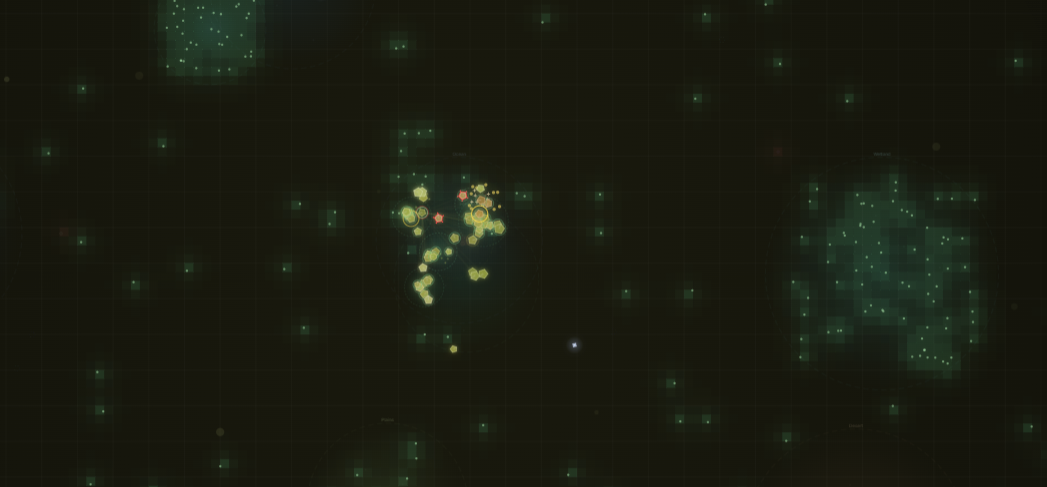
- **Emergent Behavior** - Predator-prey dynamics, speciation, extinction
events, boom-bust cycles
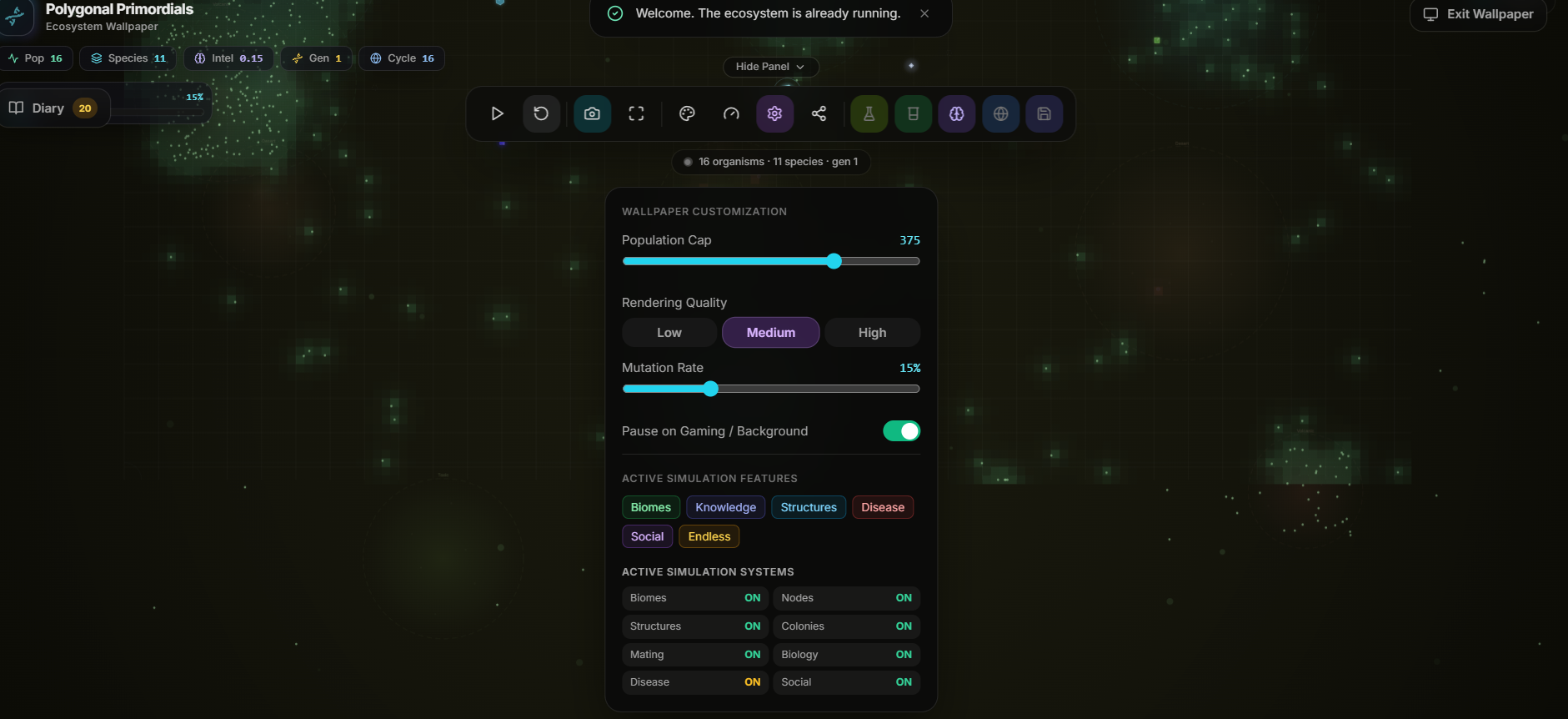
- **Full Parameter Control** - Adjust mutation rate, population density,
food spawn, predation
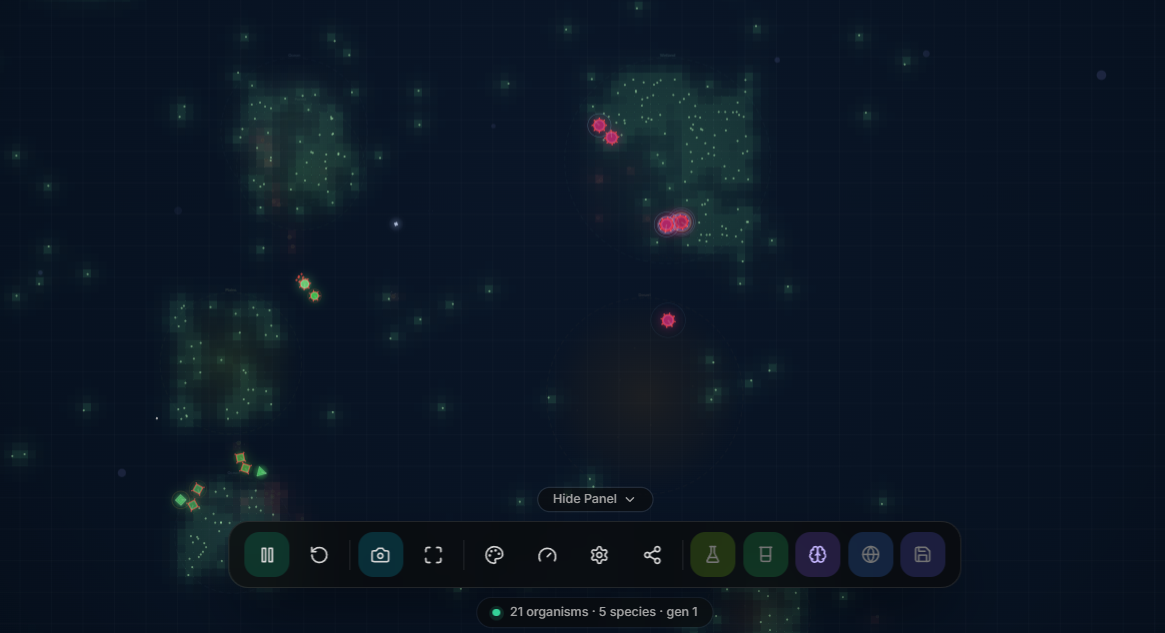
- **Live Visualization** - Heatmaps, population graphs, entity inspector
- **Save/Load + Replay** - Capture and share interesting moments
- **Multiplayer** - Lockstep networking with rollback
- **Open Source Engine** - MIT licensed, learn from the architecture
- **Cross-Platform** - Windows, Linux, macOS
## 🎮 What You Can Do
- Start with 10,000 creatures and watch them evolve over hours
- Tweak parameters and observe emergent consequences
- Save snapshots of interesting evolutionary moments
- View detailed population graphs and species trees
- Inspect individual creature genomes
## 🛠️ Technical Highlights
Built from scratch with:
- Custom archetype-based Entity-Component System
- Spatial hash for O(1) neighbor queries
- OpenGL 4.6 instanced rendering (1 draw call!)
- Custom memory allocators (pool, arena)
- Deterministic simulation (lockstep multiplayer ready)
- Vulkan renderer backend (optional)
## 📚 Perfect For
- Biology/ecology students and educators
- Evolutionary algorithm researchers
- Game developers studying data-oriented design
- Anyone who finds emergent behavior fascinating
## 💝 Support Development
If you enjoy Primodials:
- ⭐ Rate it on itch.io (helps visibility!)
- 💬 Leave a comment with your feedback
- 💰 Pay above the minimum (supports continued development)
- Share on social media
- Report bugs on GitHub
## 📜 License
Game code: MIT License (free, open-source, modify as you wish!)
Engine: MIT License
Source code: github.com/SahilKhutey/Primodials
## 🎯 System Requirements
**Minimum:**
- OS: Windows 10+, Ubuntu 20.04+, or macOS 11+
- CPU: 2 GHz dual-core
- RAM: 2 GB
- GPU: OpenGL 4.6 compatible
- Storage: 200 MB
**Recommended:**
- OS: Windows 11, Ubuntu 22.04+, macOS 13+
- CPU: 4+ cores
- RAM: 4 GB
- GPU: Dedicated GPU
- Storage: 500 MB SSD
## 🔧 Controls
- **WASD / Arrow Keys**: Pan camera
- **Mouse Wheel**: Zoom in/out
- **Space**: Pause/Resume simulation
- **Tab**: Toggle control panels
- **ESC**: Main menu
- **Left Click**: Select entity
- **Right Click + Drag**: Box select
- **F5**: Save game
- **F9**: Load game
---
**The primordial soup awaits. Welcome.** 🧬
Download
Install instructions
### 🌿 Quick Start Guide — No Installation Required!
Polygonal Primordials runs 100% locally and offline in any modern web browser. There are no external dependencies, runtimes, or libraries required.
---
### 🖥️ Option 1: Standalone Browser / Window Mode (Universal)
1. **Extract** the downloaded `.zip` file anywhere on your computer.
2. **Double-click `index.html`** to launch the simulation in your favorite browser (Chrome, Edge, Firefox, Brave, Safari).
3. **Press `F11`** on your keyboard for a seamless, borderless ambient experience.
---
### 🖼️ Option 2: Live Desktop Wallpaper (Wallpaper Engine & Lively)
#### A. Steam Wallpaper Engine:
1. Extract the downloaded ZIP.
2. Open **Wallpaper Engine** on Steam.
3. Click **Wallpaper Editor** (or *Create Wallpaper*) $\rightarrow$ **Open from Folder/File** $\rightarrow$ select the extracted folder (or `index.html`).
4. Save and apply as your active desktop wallpaper.
#### B. Lively Wallpaper (Free & Open Source on Windows):
1. Download [Lively Wallpaper](https://rocksdanister.github.io/lively/) (available via Microsoft Store or GitHub).
2. Open Lively, click the **`+` (Add Wallpaper)** button.
3. Drag & drop the extracted folder or select `index.html`.
4. Apply and enjoy your living ecosystem!
---
### 🎮 Keyboard Shortcuts & Controls
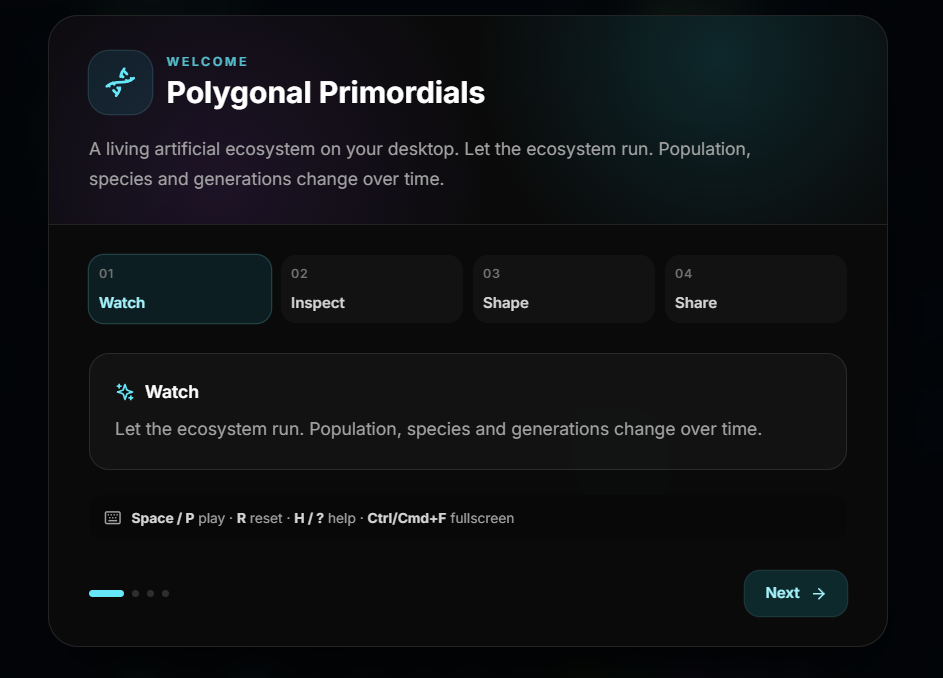
- **`Space`** or **`P`** — Pause / Resume simulation
- **`N`** or **`.`** — Step forward one frame (while paused)
- **`R`** — Reset / Re-seed ecosystem
- **`D`** — Toggle Performance Telemetry & FPS HUD
- **`H`** or **`?`** — Toggle HUD & Controls overlay
- **`F11`** — Fullscreen mode
---
### ⚙️ System Requirements
- **OS**: Windows 10/11, macOS 12+, Ubuntu 22.04+ / Linux
- **Browser**: Any modern browser supporting HTML5 Canvas (Chrome 90+, Firefox 90+, Safari 15+, Edge 90+)
- **GPU**: Any integrated or dedicated GPU (60 FPS on standard laptops)
Leave a comment
Log in with itch.io to leave a comment.